Meal planning3 min read
Mealime is shutting down: the best alternatives (and how to switch)
Mealime closes on October 21, 2026. What to save before then, which apps cover what Mealime did, and how to move your favourite recipes across.
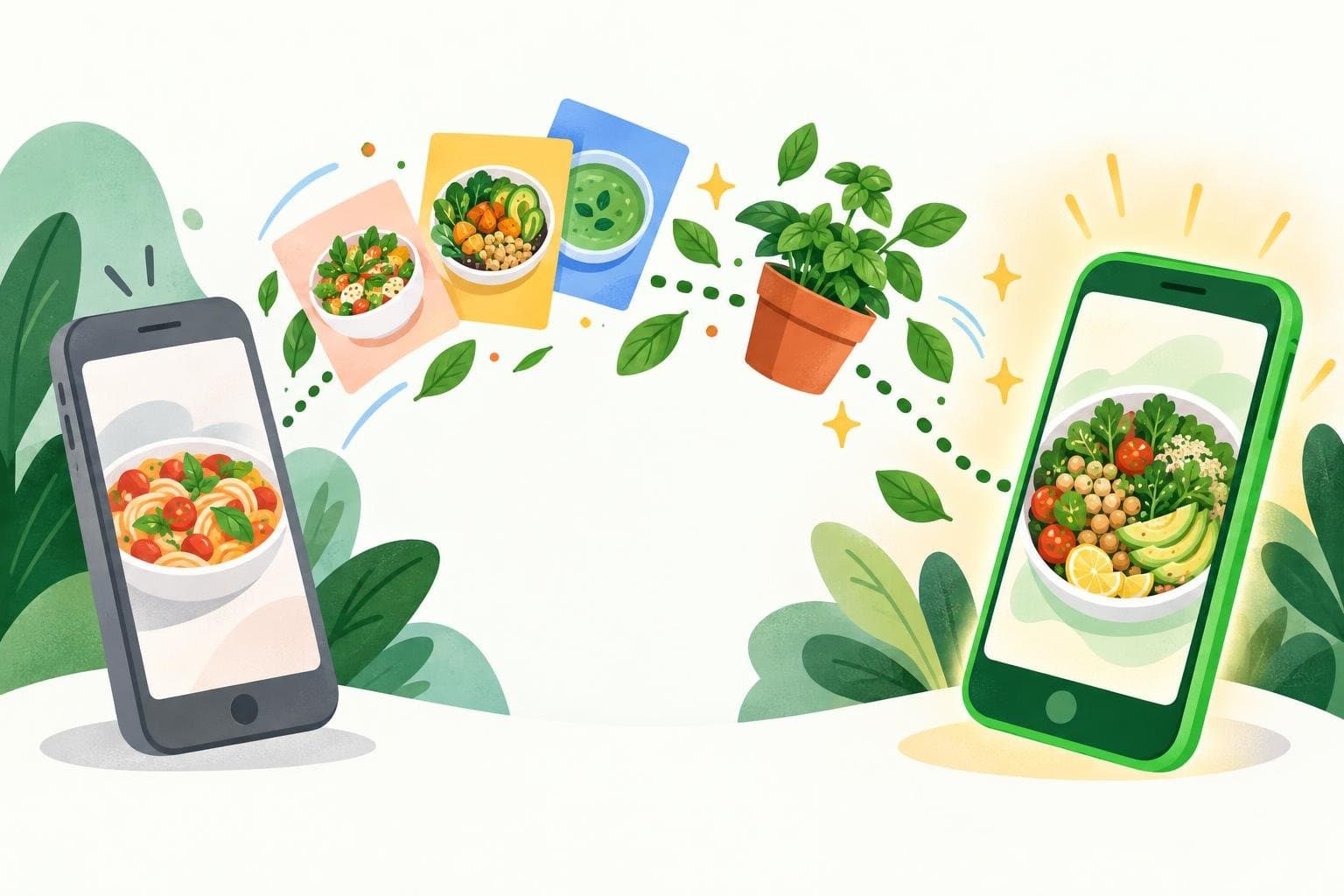
Mealime has announced it is shutting down on October 21, 2026. For many people it was the simplest way to go from "what's for dinner this week?" to a ready grocery list, so if you've relied on it, you're probably wondering what to use next.
A quick note before we start: we make Mealful, so we're not neutral. We've tried to be fair about what each app does well, including the places where another app might suit you better.
First, save what you want to keep
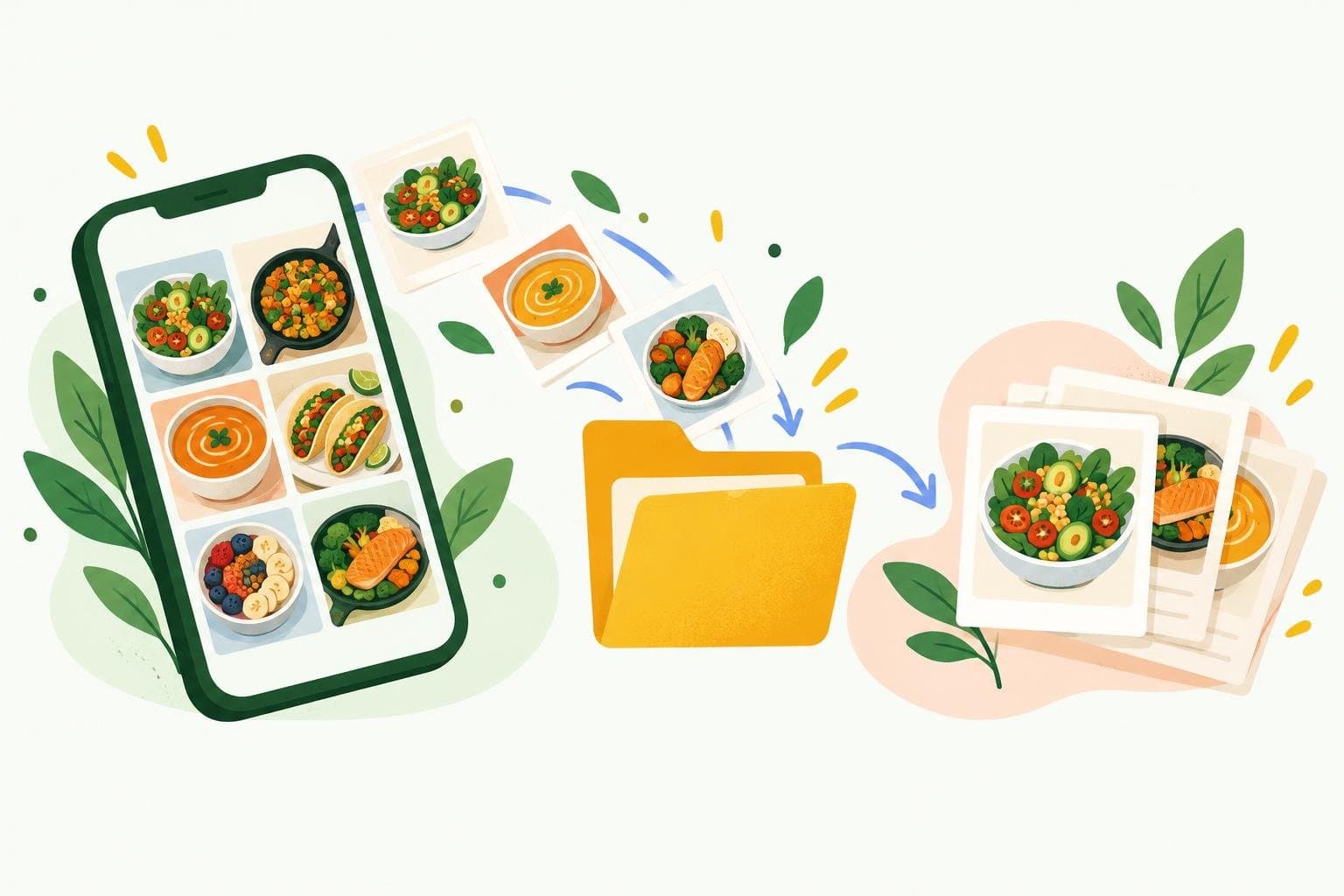
According to Mealime's update notes, Pro is free for everyone until the shutdown, and existing Pro subscriptions won't renew. Your plans and saved recipes won't come with you automatically, so before October 21:
- Go through your favourites and note the recipes you actually cook
- Take screenshots or copy the text of each recipe you want to keep
- Write down any personal tweaks you made, like swaps or extra servings
What made Mealime useful
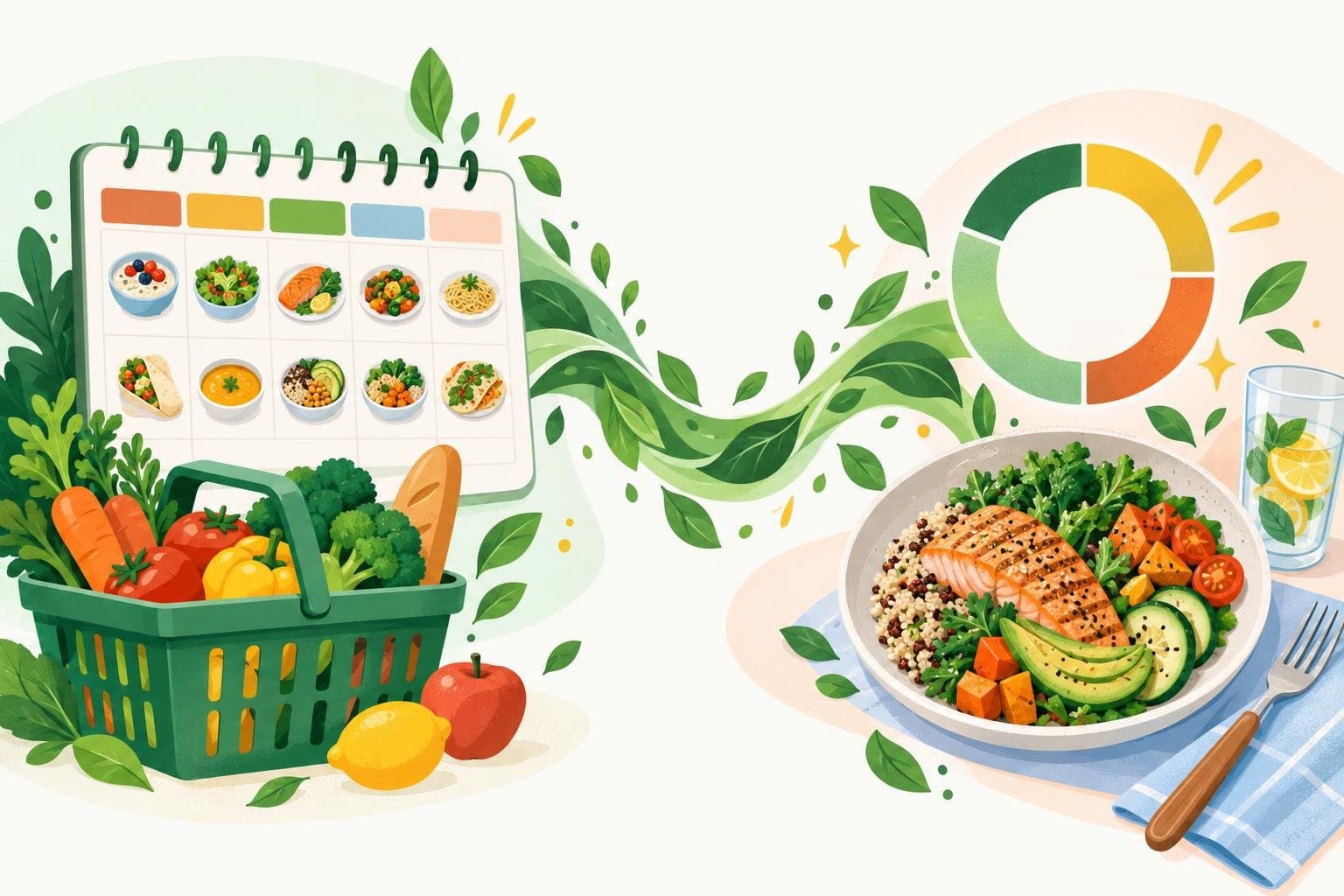
Mealime did a few things very well: simple recipes, a weekly plan you could put together in minutes, diet and allergy filters, and a grocery list generated straight from the plan. A good replacement should cover the same ground. Here's how the main options compare.
Mealful
Mealful builds a day or a week of meals around your calorie goal, with diets and dislikes treated as hard filters. Every ingredient lands on one merged grocery list, sorted by category, with the recipe each item is for. It goes further than Mealime in two areas: you can log what you actually ate, including from a photo, and you can import recipes from a link, pasted text or a photo, which makes moving your old favourites across straightforward. It's available on iOS and Android, but there's no web version.
Eat This Much
A strong pick if your priority is hitting precise calorie and macro targets. It generates plans automatically from your goals, budget and schedule. The free version plans a single day; weekly plans and grocery lists need Premium.
Samsung Food
Formerly Whisk, Samsung Food has a huge community recipe library, saves recipes from around the web and builds shareable shopping lists. Its most advanced AI features sit behind a paid Food+ plan.
Plan to Eat and Paprika
Both are best if you already have a recipe collection and want to plan around it. Plan to Eat is a subscription with a free trial; Paprika is a one-time purchase per platform. Both save recipes from the web and build grocery lists from your plan, but the planning itself is manual: they won't suggest meals for you.
How to choose
- You want plans built for you around a calorie goal, plus tracking: Mealful or Eat This Much
- You want endless recipe inspiration: Samsung Food
- You already have your own recipe collection: Plan to Eat or Paprika
Switching to Mealful
Sign in with Apple or Google, set your goal, diet and dislikes, and let Mealful generate your first week. To bring your Mealime favourites across, paste a recipe's text or snap a screenshot, and Mealful writes up the ingredients, steps and nutrition so it's ready to drop into your plan.
App features and pricing change often, so check each app's store listing for the latest details.
This article is general information, not medical advice. If you have a health condition or specific dietary needs, talk to a doctor or registered dietitian.